
When a small business invests in a website, it is not simply buying a few pages. It is building a point of trust that remains available day and night. Yet a series of small mistakes can turn that digital salesperson into an attractive brochure that nobody fully understands.
After years of supporting SMEs and associations, I have found that the most expensive problems are not always technical. They often come from an unclear message, a difficult journey or a website nobody is responsible for maintaining.
In this article
- Talking about the company before the customer
- Hiding the primary action
- Neglecting mobile and speed
- Missing proof and local information
- Ignoring SEO and measurement
- Letting the website age
- Fixing problems in the right order
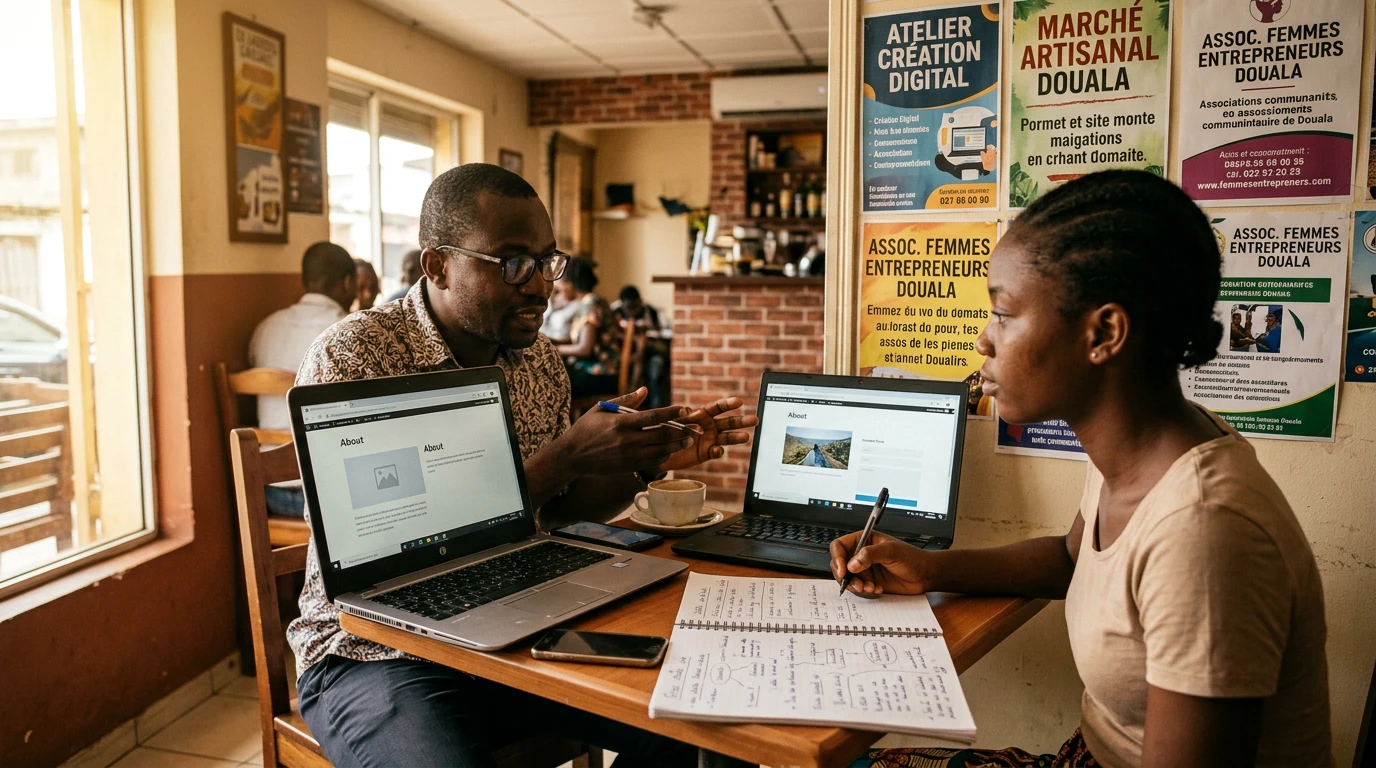
A strong website helps visitors understand, trust and take the next step.
1. Talking about your company before the customer’s need
A homepage that begins with “We are a dynamic company” has not yet answered the visitor’s question: can you solve my problem? Lead with the outcome, the people you serve and the area you cover. Your story and values matter, but they should support the customer’s decision.
In Douala, Montreal or elsewhere, a busy manager should understand your offer within seconds. Show the first section to someone outside the business for five seconds, then ask what the company does and what action the visitor should take.
2. Hiding the primary action
An interested visitor should not have to hunt for the Contact button. Every important page needs a clear next step: request a quote, call, book a meeting or send a message. Ten competing buttons create hesitation, so choose one primary action and one secondary option.
The label should describe the action. “Request a quote” is more useful than “Click here.” Make sure the form is short, works on a phone and clearly confirms successful submission.
3. Neglecting mobile usability, readability and speed
Google primarily uses the mobile version of content for indexing. More importantly, a website that is difficult to use on a phone suggests that the company may also be difficult to reach. Check text size, button spacing, navigation and forms on several screen sizes.
Oversized images, unnecessary plugins and excessive animation slow pages down. Compress images, use modern formats, enable caching and remove anything that serves neither the message nor the action. One animation can guide attention; fifteen animations are simply holding a party without inviting the customer.
4. Providing too little proof and practical information
Visitors look for evidence of reliability: relevant work, genuine testimonials, a clear method, contact details, indicative timelines and answers to common objections. Local SMEs should clearly identify the cities or regions they serve, availability and communication channels that are genuinely monitored.
Never invent reviews. A few precise examples are stronger than a long list of vague compliments. Explain the problem, the work completed and the outcome without exposing confidential information.
5. Publishing without considering SEO
Search visibility begins with a useful page, a clear title and a logical structure. Each page should answer a specific intent. Use the language customers naturally use, add an accurate WordPress description, describe images with relevant alternative text and link to related pages.
Avoid repeating the same keyword mechanically. Write for a real person, then confirm that search engines can understand the page. A local business can mention its service area when that information genuinely helps customers choose.
6. Measuring nothing
Without measurement, personal taste is easily confused with performance. Monitor a small set of indicators: viewed pages, traffic sources, clicks on calls to action, submitted forms and qualified enquiries. Privacy remains essential-collect only what is needed and explain its use.
A low number of enquiries may come from insufficient traffic, unclear messaging, weak trust signals or a difficult form. Data helps you choose the right correction instead of redesigning the entire colour palette because one cousin prefers green.
7. Letting the website age after launch
A website is not finished when it goes live. Plugins, backups, contact details, offers, images and links require regular checks. Assign an owner, schedule a short monthly review and complete a broader quarterly audit.
Before a major update, create a backup and test forms, payments where applicable and the main user journeys. Maintenance protects both security and the company’s reputation.
Fix the problems in the right order
- Confirm that the offer and primary action are easy to understand.
- Test the mobile journey and remove blockers.
- Add proof, contact details and practical information.
- Improve speed and security.
- Optimise titles, descriptions and internal links.
- Measure conversions responsibly.
- Schedule maintenance and document ownership.
Key takeaway
The best website is not the one with the most effects. It is the one that helps the right person understand your value, trust your business and act without unnecessary effort. Start with obstacles that directly affect customers, then improve gradually. Let’s grow together.
“A strong website does not ask visitors to guess. It shows them why to stay and how to move forward.”
- Fils Mery MONGO
Let’s grow together
Is your website losing potential customers?
Let us review your priorities and identify the corrections that can improve trust, visibility and enquiries.