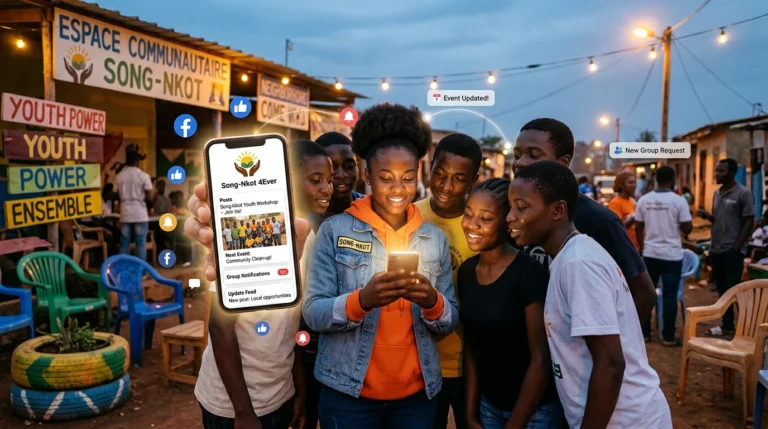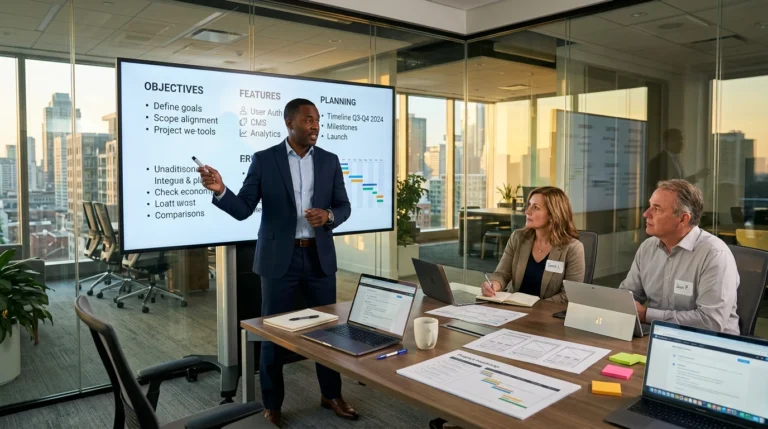
I grew up in an environment where we learned early to do a great deal with very little. That did not mean giving up on ambition: it meant choosing what mattered, working, learning and improving gradually. This is exactly the mindset I recommend to a small business, community organization or freelancer building a first website without a comfortable budget.
After more than fifteen years in technology and over forty web projects led or delivered, I have learned one thing: a shortage of money may slow a project, but a lack of clarity will usually stop it.
In this article
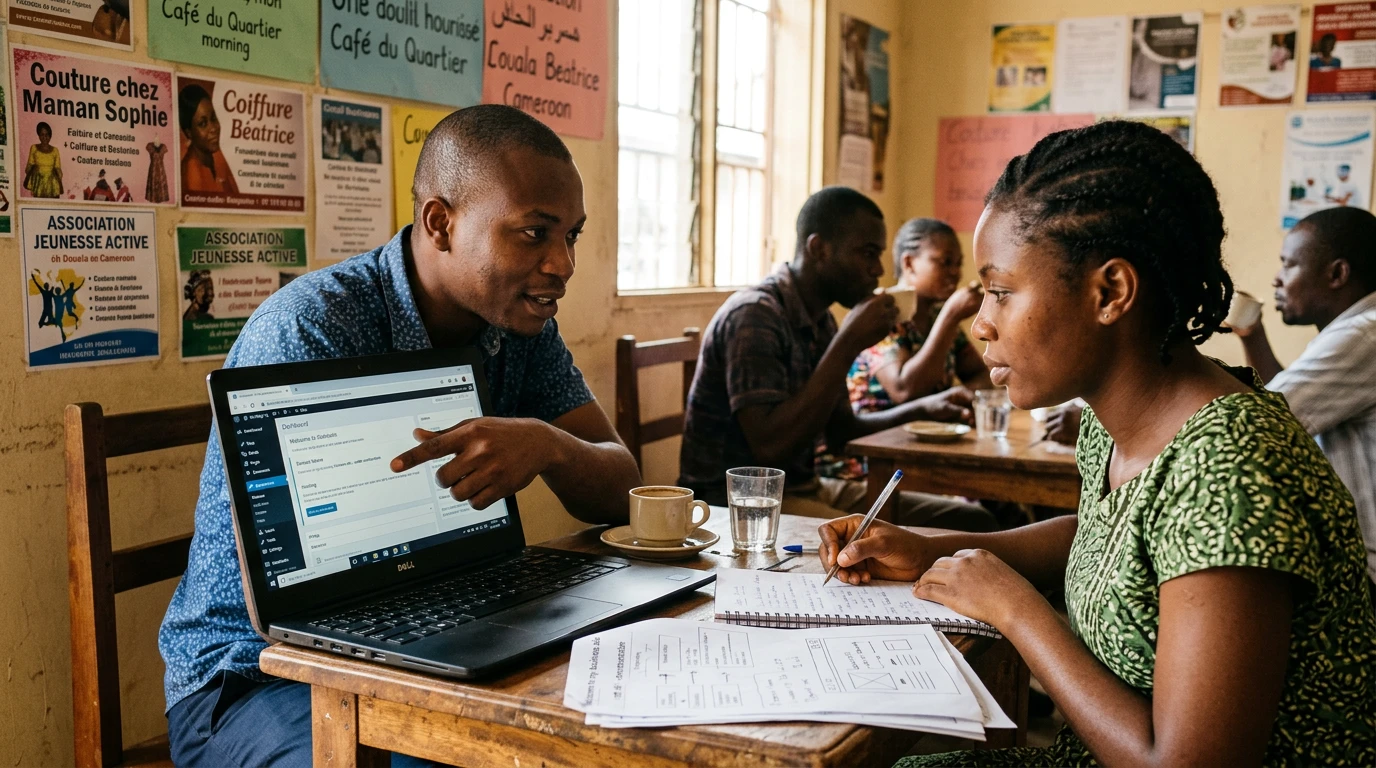
No budget does not mean no cost
Let us begin honestly. A free website will cost at least your time, some learning and a few experiments. It may use a platform-owned address, impose limitations or offer less freedom. That is not a bad beginning. It is simply a first stage.
WordPress.com, for example, offers a free version with hosting, pages, posts, users and 1 GB of storage. Without a paid plan, however, the primary address remains a .wordpress.com address. Google Sites also lets you create and publish a straightforward information site. A more technical person can host a static page through a free service such as Cloudflare Pages. The right choice is therefore not “the best tool in the world,” but one you can understand, maintain and evolve.
Starting for free is a valid strategy. Pretending the business will never need to invest is not.
Build the smallest version that can already help you
At the beginning, it is tempting to want a gallery, blog, shop, member area, three languages and—while we are at it—a button that makes coffee. I like ambition, but an oversized project often ends up in the famous “we will get back to it soon” folder.
Your first version should answer four questions:
- Who do you help?
- What problem do you solve?
- Why should people trust you?
- What action should the visitor take?
For a small business or community organization, Home, About and Contact may be enough. You can even begin with one well-structured page. A modest website that generates enquiries is worth more than an invisible masterpiece waiting for its fifteenth menu.
Choose the tool for your next stage
Free WordPress.com is useful for learning to publish and building content gradually. Google Sites works for a simple presentation, community project or information page. A static page can be fast and economical but requires more technical skill when changes are needed.
Imagine a dressmaker in Douala who wants to show ten designs and receive enquiries through WhatsApp. On day one, she does not need an international shop with inventory management. A clear page with real photographs, lead times and a contact button can test demand. Now imagine a small organization in Canada explaining its mission, announcing activities and recruiting volunteers. It will benefit more from an accurate page with a named owner than from impressive technology abandoned after launch.
These are illustrative scenarios, not client case studies. Their practical lesson remains: begin with the visitor’s journey, not a feature list.
Your content is your first investment
Google recommends helpful, reliable, people-first content. For you, that means using your customers’ language, explaining the expected outcome and demonstrating real experience. Avoid claims such as “the undisputed leader in revolutionary solutions” when nobody understands what you do by the end of the sentence.
Prepare:
- a simple sentence describing your offer and audience;
- no more than three services at the beginning;
- real, authorized and properly compressed photographs;
- contact details, hours and service area;
- a three- or four-step working method;
- verifiable proof of trust: work, qualification, partner or authorized testimonial.
Do not copy a competitor’s text or use a random photograph. Your first advantage may not be your budget, but your authenticity. It costs less than an advertising campaign and requires much more sincerity.
Keep the keys to your digital home
Even with a free solution, use your own email address as the main account, enable multifactor authentication where available and store access securely. If you later buy a domain, register it in the organization’s name. A provider can assist you, but the asset should remain under your control.
Test the site on a phone, actually submit the form and ask someone outside the project to explain what they understood. My IT support experience taught me that a system is not ready because its creator says it works; it is ready when a user can complete the task without guessing the next step.
Your seven-day launch plan
- Day 1: choose your audience, promise and one primary action.
- Day 2: gather contact details, photographs, services and trust signals.
- Day 3: write a first version without chasing perfection.
- Day 4: build the page with your chosen tool.
- Day 5: test mobile, links, forms, spelling and readability.
- Day 6: ask someone unfamiliar with your work to review it.
- Day 7: publish, share and record every question you receive.
Your website will not be finished on day seven. It will be alive. Early questions will show what needs clarification; early enquiries will reveal what genuinely interests your audience.
When should you move to a professional solution?
Invest when limitations begin to obstruct a real outcome: a hard-to-remember address, need for credibility, local search, advanced forms, payment, booking, automation, security, speed or insufficient time to maintain the site. At that point, you are not paying merely for “a website”; you are funding a working tool, control of your assets and saved time.
I recommend putting the small-business website budget toward a domain name, a healthy technical foundation and guidance on difficult decisions. Keep what you can learn and maintain yourself; seek help where a mistake could cost more than the saving.
Key takeaway
Starting with little taught me that a small beginning is not a small ambition. Your first website does not need to pretend that you are already a multinational organization. It must show that you are serious, reachable and prepared to keep your promise. Publish a useful version, learn from visitors and improve it with discipline. Let’s grow together.
Sources and references
“Starting with little does not force you to think small. It forces you to choose what truly matters.”
ALLFORWEB Method
Let’s grow together
A limited budget, but a real project?
Tell me about your objective, constraints and what you can already do yourself. I will help you separate what matters now from what can wait, with an approach suited to your stage.